
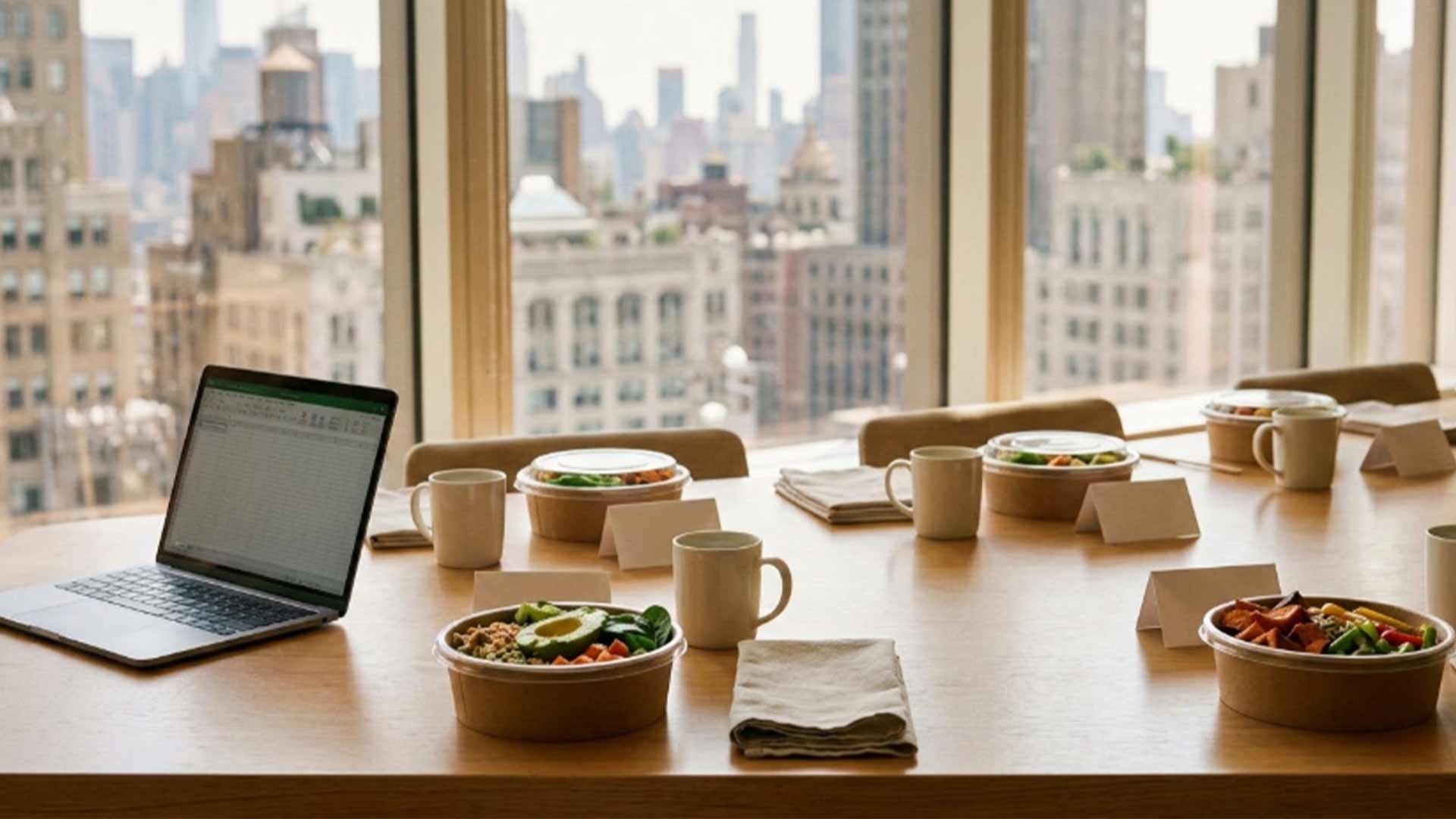
As the person responsible for catering your team's lunch, you can set up a recurring order once so it covers every vegetarian, vegan, gluten-free, and nut-allergy need at every delivery. You start with one list of what each person eats, then read the dietary tags, the labels Metro's order portal prints beside each dish (Vegetarian, Vegan, Gluten Free, and Nuts), against it. When the food comes in, you check it against the same list.
A recurring order serves the same group, so you can ask each person once and reuse the answers at every delivery. Ask each person what they need in the portal's own words (vegetarian, vegan, gluten-free, or nuts) and write the answers in one place with a count for each need.
Keep allergies on their own line. Metro's Fine Print page says to tell the team about any food allergy or request for vegan, vegetarian, or gluten-free dishes, so the allergy line goes to Metro with your first order and again with any change.
When someone joins the group or changes what they eat, update the list and send the change to Metro with the order. Ask each new person the same question you asked everyone else, so the counts stay matched to the people at the table.
Dishes change on the portal too. Metro lists Fall Seasonal from October 5 through December 30, so a dish you choose from it stays on the portal only through that date. The Vegetarian Reuben, with roasted beets, sauerkraut, Gruyere, and rye bread, has the Vegetarian tag, and The Vegan TLT, tofu with lettuce, tomato, and chili crisp vegan aioli, has the Vegan tag. Both are Fall Seasonal sandwiches. Metro lists the Individual Grain Bowls in the regular menu with no date range.
On the portal, each dish's ingredient line sits next to its tags, so you can confirm every tag against what is in the dish. Individual Falafel, a grain bowl, has the Gluten Free and Vegan tags, and its ingredient line adds crushed pita chips served on the side. Ask Metro whether the tag includes the chips before you order it for a guest who avoids gluten. The other Individual Grain Bowls have the Gluten Free tag as well.
The Nuts tag marks a dish that contains nuts. Individual Thai Shrimp has it, and its ingredient line shows toasted peanuts and a spicy peanut Thai dressing. The portal has no nut-free tag, so a dish without the Nuts tag is not marked nut-free. Metro's Fine Print states that the kitchen is not gluten-free or nut-free and that the team will address as many dietary requests as possible. For a guest with a nut allergy, name the allergy and the dishes you are considering when you place the order.
Some categories, such as Sandwich Boxes, show no tags at all, so ask Metro about the dishes in them.
When the food comes in, compare what arrived with what you ordered. Match each vegetarian, vegan, and gluten-free dish to the person you ordered it for, and count them against your list. Metro packages Individual Grain Bowls one per person, so each bowl can go to the guest on your list. If something doesn't match, call Metro at (212) 268-2828. The office is open Monday through Friday, 8:00 am to 4:00 pm.
Send Metro your list with the order through the order portal or by phone, and look through the menu to see each dish's tags. Metro's workplace dining page describes lunches for the office.
Author
Chris Zamfotis
Managing Partner, Metro Catering
Chris Zamfotis is the Managing Partner at Metro Catering, a New York City catering company serving corporate offices, private events, and businesses across Manhattan. With a focus on reliable service, thoughtful menu planning, and polished presentation, Chris helps lead Metro Catering’s approach to modern corporate catering, from daily office lunches to executive meetings, happy hours, and large-scale events.

Metro Catering has been NYC’s trusted corporate catering provider since 1981, offering fresh, high-quality meals for office lunches, corporate events, and workplace dining—delivered on time, every time.

